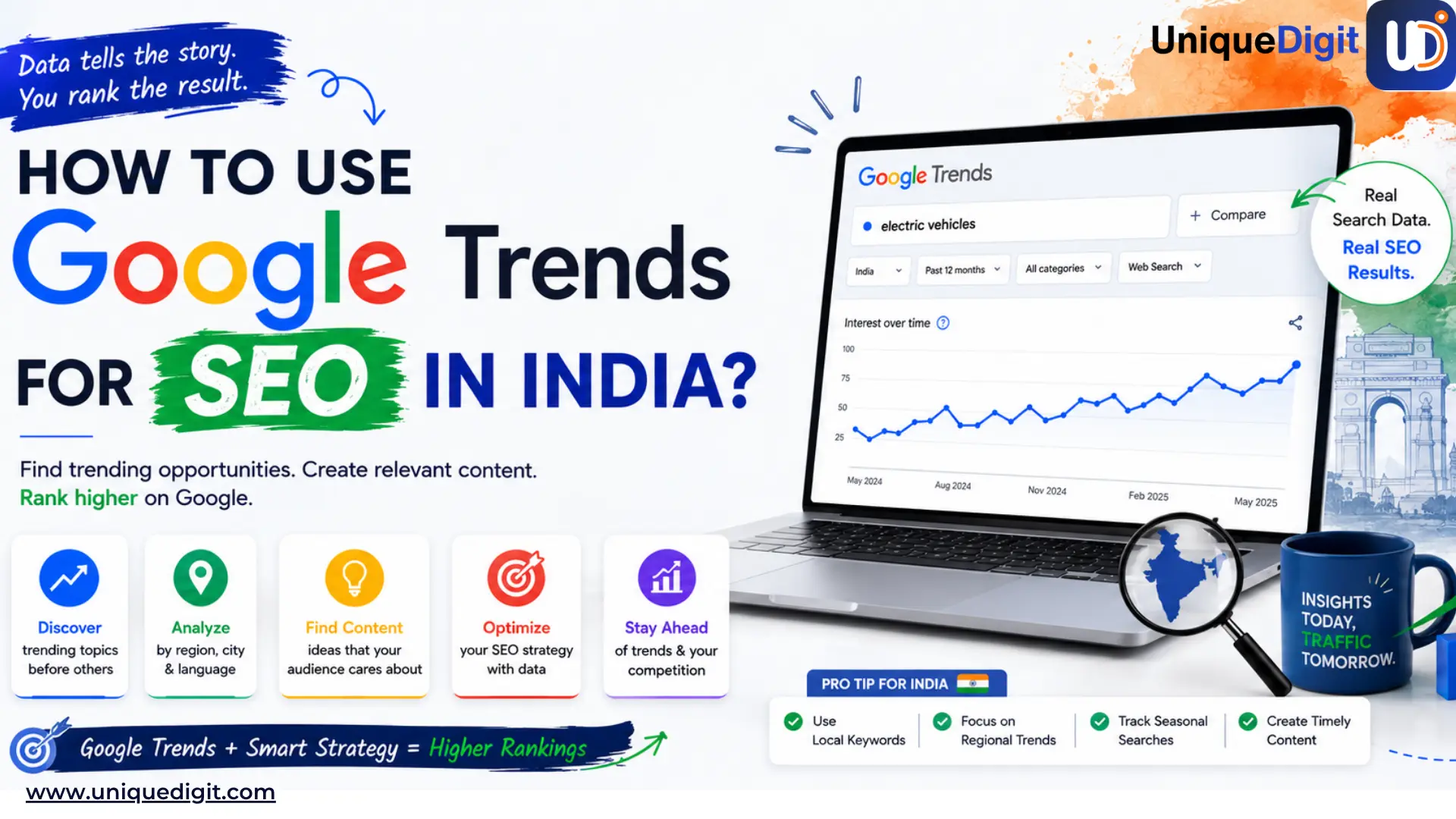
| Quick answer: Google Trends is a free Google tool that shows how interest in a search term changes over time, by region, and by platform. For SEO, you use it to spot rising topics early, compare which keyword phrasing people actually use, time seasonal content, and see where demand sits city by city. Just remember it shows relative interest on a 0 to 100 scale, not real search volume. A score of 100 marks the term's peak for your chosen period and region, not 100 searches. |
Most SEO tools tell you what people searched for yesterday. Google Trends shows what people are starting to search for right now. In India, where search behavior shifts around festivals, seasons, exams, IPL, and local events, that timing advantage matters.
A topic that looks small today can become highly competitive within weeks. This is where Google Trends becomes valuable, helping businesses identify rising demand early, compare real search phrasing, understand regional behavior, and publish content before competitors catch up.
If you also want to go ahead of competition, then learn practical ways to use Google Trends for SEO in India in 2026!
What Is Google Trends?
Google Trends is a free tool that draws on Google's search data going back to 2004. Instead of giving you a monthly search-volume number, it shows how popular a term is relative to all searches over the time frame and location you choose. That number runs on a 0 to 100 scale, where 100 is the moment the term hit its highest interest in your selected window. A value of 50 means about half that interest. A flat line near zero means there wasn't enough data to measure.
You shape the data with four filters:
- Location — worldwide, a single country like India, or down to state and city level
- Time range — from the past hour to 2004-to-present
- Category — useful when a word has more than one meaning, like "Jaguar" the animal versus the car
- Search type — Web, Image, News, Shopping, or YouTube
Two views matter. The
Explore page is where you research a specific term and read its trend line, related queries, and interest by region. The
Trending Now page shows what's spiking right now by country and category, refreshed through the day, which makes it useful for reactive content and PR.
As of early 2026, the Explore page also carries a Gemini-powered side panel on desktop that suggests related terms and compares several at once, so you can map a topic without testing variations one by one.
Why Google Trends Matters for Indian SEO
You can’t deny the fact that India has a fast-moving search landscape, ranking early often matters more than ranking perfectly. Thus, Google Trends helps you spot momentum before competitors react.
Indian demand runs on its own calendar
Wedding season, Diwali, board-exam months, the monsoon, IPL, the Union Budget: each one reshapes what people search for, and the spikes don't line up with the Western patterns most SEO advice is built around. A monthly search-volume average flattens all of that into a single number. Google Trends shows you the actual shape of the year, so you can publish into a rising curve instead of a crowded peak.
Search moves faster in 2026
Two shifts make Trends more useful now than it was even a year ago. AI Overviews and zero-click results mean topics surge and fade more quickly, so real-time demand signals matter more than they used to. And Trends itself got sharper, with the Gemini-powered Explore panel making it quicker to map related terms and spot what's climbing.
The regional view is where local businesses win
Interest in a service can run high in one city and barely register in another, and Trends lets you read that difference by state and city before you commit budget to a page or a campaign. You can see which term your Bengaluru audience uses versus your Pune one, then carry the winning phrasing straight into your pages and your Google Business Profile.
Trends shows direction, not size
It tells you which way demand is moving, not whether it's big enough to be worth chasing. A term can look like it's taking off and still pull only a handful of real searches. So treat Trends as your first read, the signal that points you somewhere, then confirm it with a volume tool before you build. That validation step has a section of its own later in this guide.
7 Ways to Use Google Trends for SEO
Google Trends is more than a keyword tool. It helps you predict demand, identify regional opportunities, time your content strategically, and uncover topics before they peak.
1. Research keywords and related queries
Start with one seed term and let Trends hand you the rest. Enter a core service into the Explore page, set the location to India, then scroll to "Related queries." These are the terms people search alongside yours, and the "Rising" tab shows which ones are climbing.
A dental clinic searching "teeth whitening" might surface "teeth whitening price" and "laser teeth whitening near me," each a ready-made page or FAQ. Sort by "Top" for established demand, "Rising" for momentum.
Bottom line: one seed term gives you a content cluster, not just a keyword.
2. Compare the phrasings your audience actually uses
Your audience and your marketing team often use different words. Trends lets you pit two or three phrasings against each other and see which one India actually searches. Click "+ Compare" and add your variations. A salon might test "bridal makeup" against "wedding makeup," or a school "admission" against "enrollment." The winner goes in your H1, title tag, and Google Business Profile; the rest become supporting terms.
Bottom line: write in the words your customers use, not the ones you assume they use.
3. Time content around Indian seasons
Publish 8 to 12 weeks before the spike, not during it. Expand the time range to five years and the seasonal pattern shows up as a repeating wave. Searches for "bridal makeup" climb before wedding season; "school admission" peaks before the enrolment window; "AC service" surges ahead of summer. Google needs lead time to index and rank you, so publish into the rising curve, not at the crowded peak when everyone else has woken up.
Bottom line: the content calendar follows the search calendar, with a two-month head start
4. Catch breakout topics before competitors
A "Breakout" label means a term grew more than 5,000%, and that's your opening. In the Related queries box, switch to "Rising." Most entries show a percentage; some show "Breakout" instead, meaning the search is so new there's no baseline to measure against. These are low-competition by definition because few people have written about them yet. A clinic might catch a breakout around a newly trending treatment; a restaurant around a viral dish. Move fast, but check it's real demand first, not a one-week fad.
Bottom line: breakout terms are first-mover territory, if you publish before the rest catch on.
5. Read interest by city for local SEO
The same service can be in high demand in one city and invisible in another. Scroll to "Interest by subregion" and toggle between state and city views. This tells you where to focus, and which local term to use where. If "salon" outpulls "parlour" in Mumbai but the reverse holds in a smaller city, your location pages and Google Business Profile should reflect that. Use it to prioritise which city pages to build first, backed by real local substance, not thin templated copies
Bottom line: let city-level demand decide which locations you target, and in which words.
6. Find what's worth filming for YouTube
YouTube is India's second search engine, and Trends reads it separately. Change the search type from "Web Search" to "YouTube Search" to see what people want as video rather than text. A "how to" treatment explainer or a salon tutorial may trend on YouTube even when web interest is flat. Compare the two views: strong on YouTube means film it, strong on web means write it, strong on both means do both.
Bottom line: match the format to where the demand actually lives, video or text.
7. Use Trending Now for reactive content and PR
Some of the best content ideas have a shelf life of days, not months. The Trending Now page shows what's spiking right now by country and category, refreshed through the day. Filter to India and your category to catch a rising story you can genuinely build trust and add to: a health awareness day for a clinic, a festival moment for a restaurant. Done quickly and with real expertise, this is how small brands earn timely coverage and links.
Bottom line: react fast and add real value, or skip it, half-hearted trend-jacking ranks for nothing.
I Found a Trend. Now What? A 3-Step Check Before You Commit
A rising line is a signal, not a green light. Before you brief a writer or build a page, run any trend through three quick checks. They take five minutes and save you from chasing demand that isn't really there.
| Step |
What you're checking |
Where to check |
Walk away if |
| 1. Volume |
Is the real demand big enough? |
Keyword tool |
Only a few searches a month |
| 2. Durability |
Lasting or a one-off? |
Trends, 5-year view |
Single spike, never repeats |
| 3. Fit |
Can you add real expertise? |
Your own judgment |
It's outside your niche |
1. Validate the volume
Trends shows direction, not size, so confirm the term has real searches behind it. Drop it into a keyword tool and look at monthly volume. If a term spiking on Trends pulls only a handful of searches a month, the "trend" is just a low baseline making a small rise look dramatic. This is the single most common Trends mistake, and it's why validation comes first.
2. Check it's durable, not a fad
Zoom the time range out to five years. A genuine opportunity either holds steady, repeats seasonally, or climbs over time. A single spike with flat ground on either side is usually a one-off news moment that will be dead before your page ranks. Seasonal and rising patterns are worth building for; isolated spikes rarely are.
3. Check you can add real expertise
Even a real, durable trend isn't yours to chase if it sits outside what you actually know. Trend-jacking topics unrelated to your niche dilutes your topical authority and can dent trust. Only commit if you can say something genuinely useful that a generic article can't.
What Google Trends Can't Tell You
Trends is a starting point, not the whole picture. It's genuinely useful for direction and timing, but it has real blind spots, and knowing them keeps you from making SEO mistakes.
- It shows relative interest, not search volume
You get a 0 to 100 score, never the actual number of searches. A term at 100 might pull thousands of searches or barely a hundred.
- It has no keyword difficulty or competition data
Trends won't tell you how hard a term is to rank for, or who you're up against.
- It shows nothing about the SERP
You can't see what's already ranking, whether an AI Overview triggers, or what content format Google rewards for that query.
- It's unreliable for low-volume terms
Niche searches have thin data, so small movements look like dramatic spikes when they're really just noise.
None of this makes Trends less worth using. It just means Trends answers one question well, which way is demand moving, and you need a second tool to answer the rest. Pair it with a keyword tool for volume and difficulty, and check the live SERP yourself before you commit. Trends points you to the opportunity; the validation step you ran earlier confirms it's worth the work.
FAQs
What is Google Trends?
Google Trends is a free, public tool from Google that shows how often people search for specific keywords, topics, and phrases on Google Search and YouTube. It presents this as a graph of relative interest over time and across regions, rather than as raw search numbers.
What it's mainly used for:
- Spotting demand: See whether interest in a topic is rising, steady, or falling before you invest in content
- Comparing terms: Check up to five keywords side by side to see which phrasing wins
- Timing content: Identify seasonal patterns so you publish ahead of the spike
- Reading regional interest: See which states and cities search for a topic most
Google trends shows relative interest on a 0 to 100 scale rather than exact volume, Trends is best used alongside a keyword tool that provides real search numbers.
Is Google Trends free to use?
Google Trends is a completely free tool from Google that requires no account or paid plan to use. You can research any keyword, compare terms, and view interest by region without signing in.
What you get for free:
- Full Explore access: Search any term and see its interest over time, related queries, and interest by region
- Trending Now: Browse what's spiking right now by country and category
- All filters: Location, time range, category, and search type are available with no restrictions
There is no paid tier. The only limit is that Google Trends shows relative interest rather than exact search volume, which is why most marketers pair it with a keyword tool.
How often does Google Trends update its data?
Google Trends updates its data continuously throughout the day, with different sections refreshing at different speeds. This makes it one of the faster free sources of real-time demand data.
How the refresh works:
- Trending Now: Updates in near real time, surfacing spikes as they build through the day
- Explore (recent data): Settles within a few hours to a day of searches happening
- Historical data: Stable and consistent, drawn from Google searches dating back to 2004
For reactive content and PR, rely on Trending Now. For planning and seasonal analysis, the Explore page's historical view is the one to use.
Does Google Trends show actual search volume?
No, Google Trends shows relative interest on a 0 to 100 scale, not the actual number of searches. A score of 100 marks a term's peak point within the time frame and region you've selected, not a search count.
What the numbers mean:
- 100: The term's highest point of interest in your chosen window
- 50: Roughly half that level of interest
- 0 or near-zero: Not enough data to measure reliably
The scale is relative, a niche term can read 100 while pulling modest real searches. To confirm true demand, check the term in a keyword research tool for monthly volume before committing to content.
What does "Breakout" mean in Google Trends?
A "Breakout" label means a search term has grown by more than 5,000%, usually because it is new enough to have no meaningful baseline to measure against. You'll see it in the Related queries box under the Rising tab, in place of a percentage.
Why breakout terms matter for SEO:
- Low competition: Few sites have covered the term yet, so ranking is easier if you move quickly
- First-mover advantage: Publishing early means you're established before the topic gets crowded
- The catch: Some breakouts are short-lived fads, so validate real demand before building a full page
Can Google Trends be used for local SEO in India?
Yes, Google Trends shows search interest by state and city, which makes it genuinely useful for local SEO across Indian markets. You can see where a service is in demand and which local term people use in each place.
How to apply it locally:
- Prioritise locations: See whether a service trends higher in Mumbai, Pune, or a Tier 2 city before building location pages
- Match local language: Spot where "salon" outpulls "parlour", or one regional phrasing beats another
- Feed your Google Business Profile: Use the winning local terms in your profile and location pages
Keep each city page backed by real local substance. Thin, templated "service in [city]" pages at scale work against you under Google's spam policies.
Conclusion
Google Trends works best when you stop treating SEO as static keyword research and start treating it as demand forecasting. The brands winning organic visibility in 2026 are often the ones identifying trends early, before competition peaks. But spotting and acting on trends consistently takes time, strategy, and the right SEO execution.
If your business is struggling to keep up with changing search behavior, rising topics, or local demand shifts, the team at Unique Digit can help you turn trend signals into real organic growth with data-driven SEO strategies built for the Indian market.